TABLE OF CONTENTS
- How to Use Renderforest's YouTube Name Generator
- Download and Customization Options
- Why Choose Renderforest's YouTube Name Generator?
To help you come up with an attractive and professional YouTube channel name and logo, Renderforest offers an AI-powered YouTube Name Generator. This tool simplifies the naming process and helps your channel stand out.
How to Use Renderforest's YouTube Name Generator
- Access the tool — click here to access Renderforest's YouTube Name Generator.
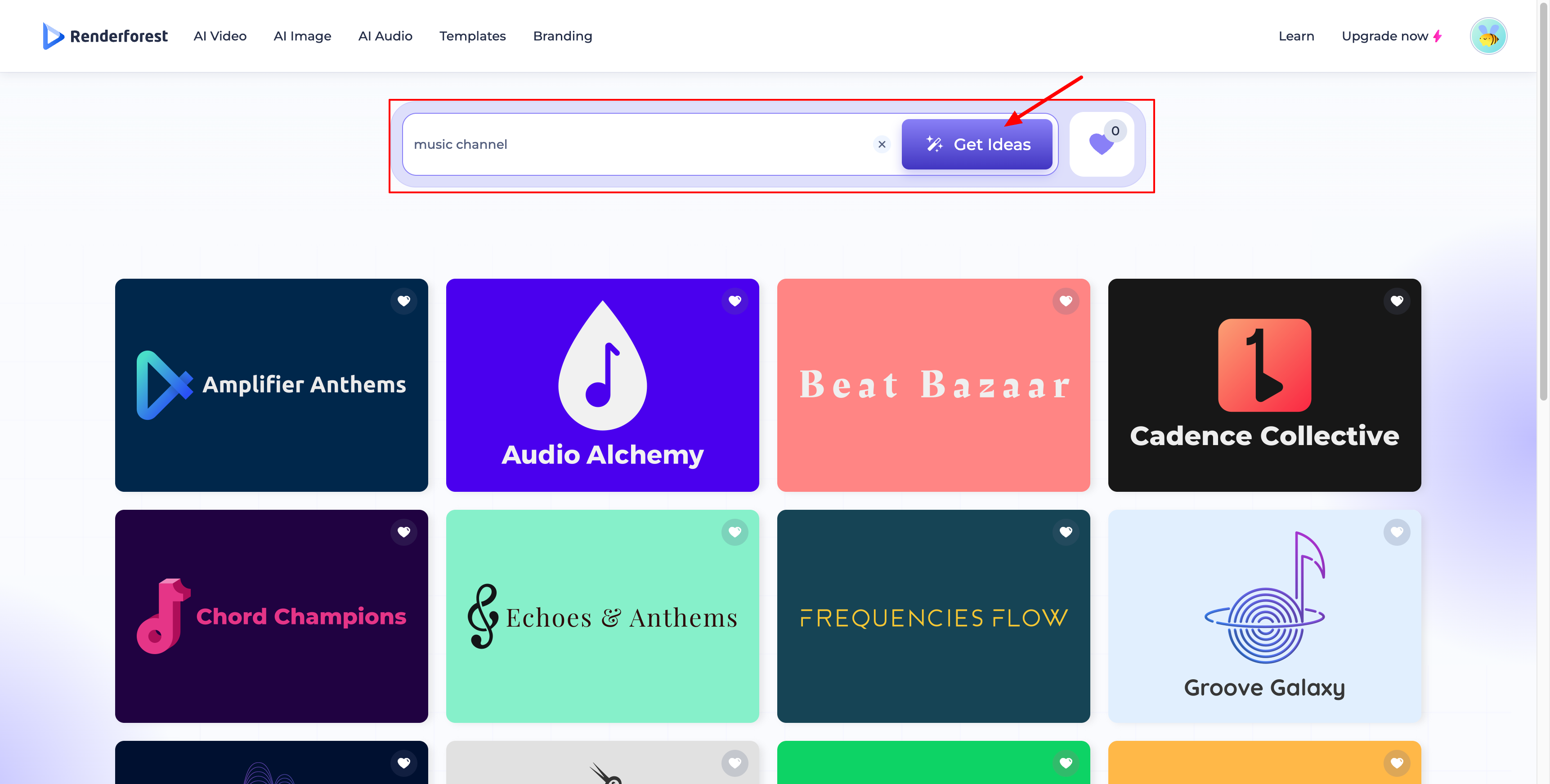
- Describe your channel — enter a related keyword or describe your YouTube channel. You can also browse popular topics and select one that fits your content.
- Get ideas — let the AI generate a list of potential channel names for you.
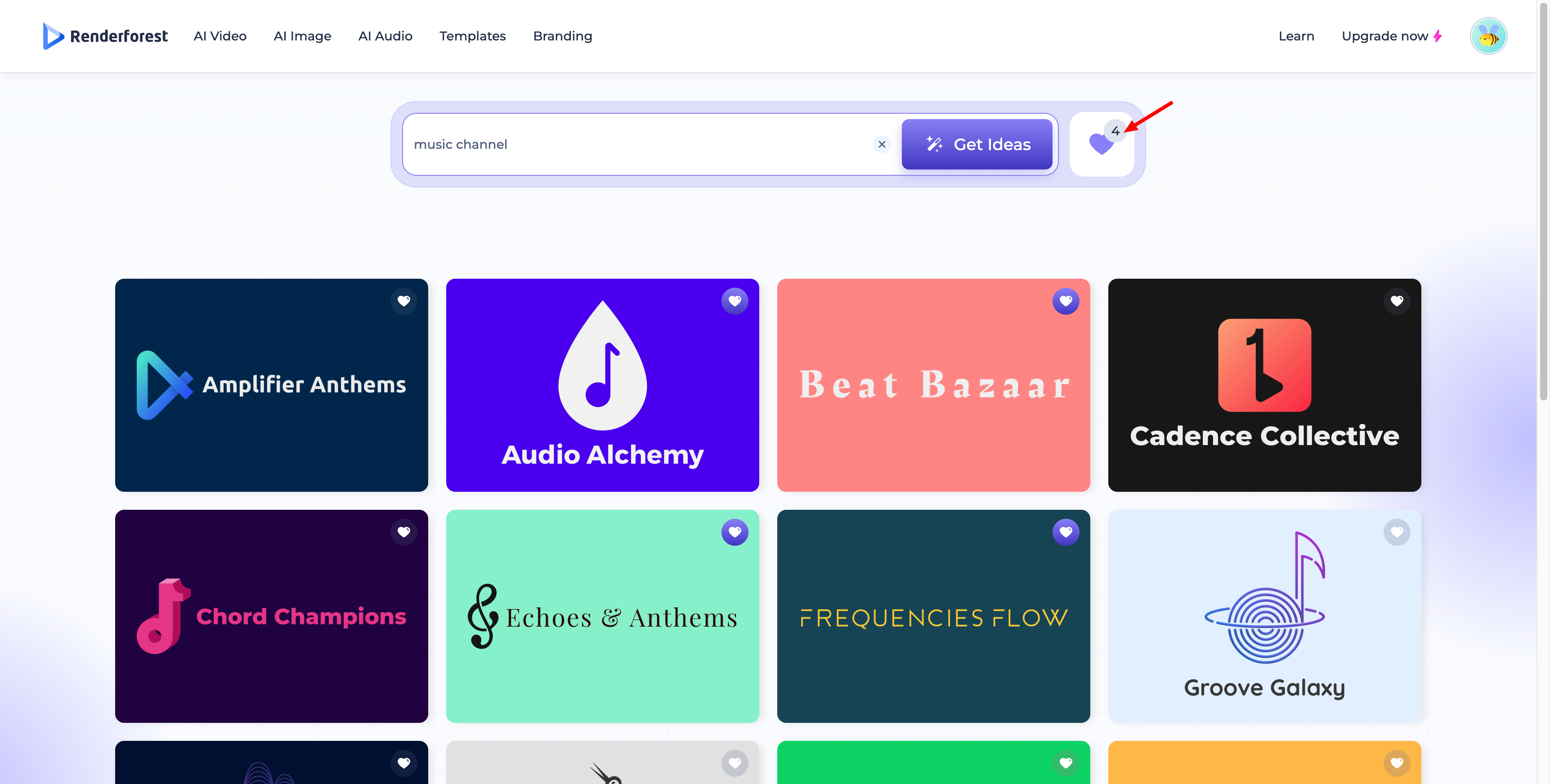
- Review and save favorites — check the recommended results and add your favorites to your list for later consideration.
Download and Customization Options
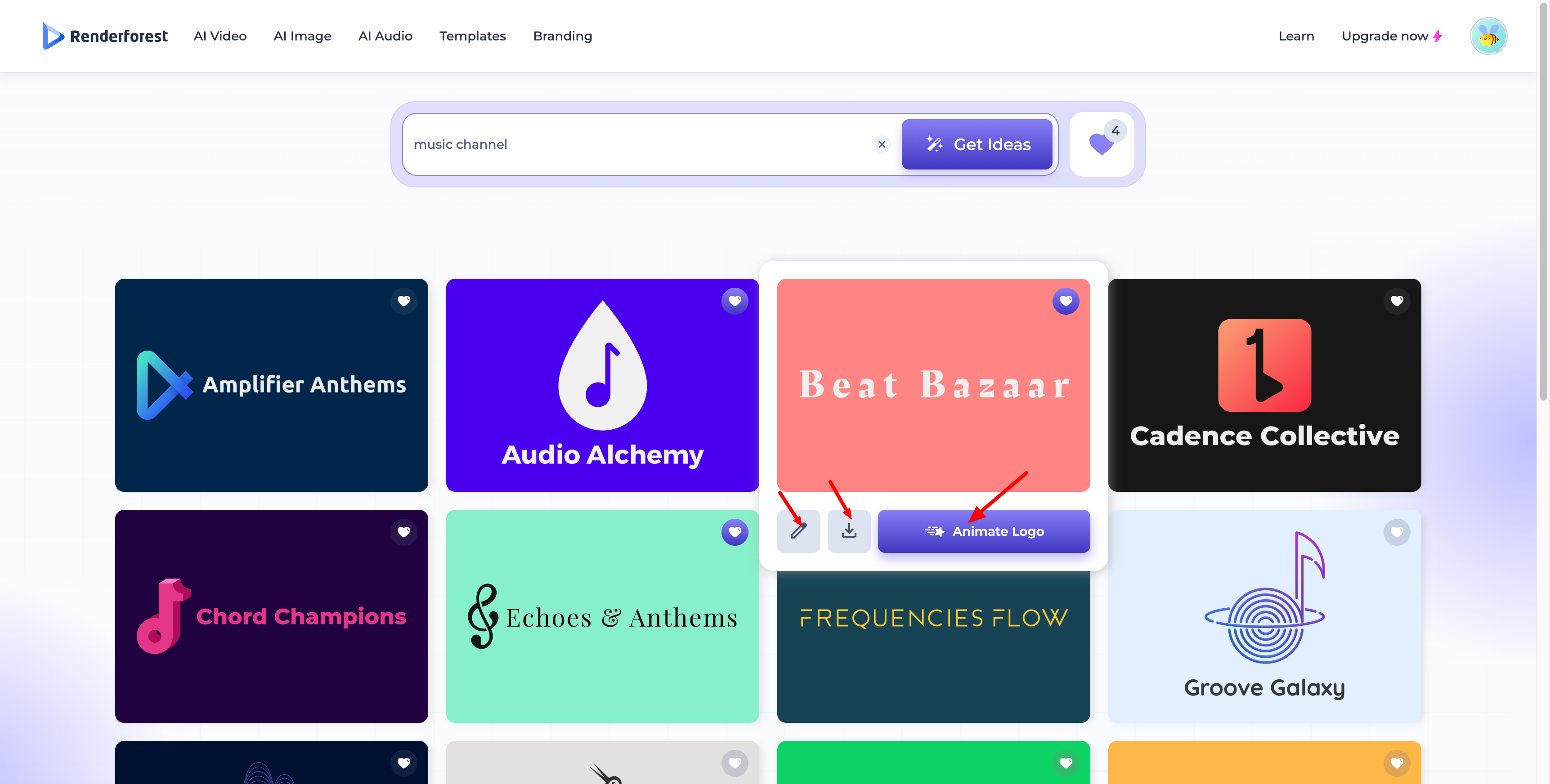
Hover over a result you like to reveal three options:
- Edit (pencil icon) — opens the logo maker so you can customize it further to align with your brand.
- Download — exports the logo. Available formats include JPG, SVG, PNG, or a complete branding toolkit.
- Animate Logo — opens a template chooser where you can turn your logo into an animated video reveal.
Why Choose Renderforest's YouTube Name Generator?
- Professional Quality — generate high-quality names and logos that give your channel a professional look.
- Ease of Use — the tool is user-friendly, making it accessible even for beginners.
- Customization Options — tailor your logo to fit your brand perfectly with easy customization features.
- Multiple Formats — download your logo in different formats to suit your needs.
- Logo Animation — turn your finished logo into an animated video reveal using Renderforest's video templates.
Was this article helpful?
That’s Great!
Thank you for your feedback
Sorry! We couldn't be helpful
Thank you for your feedback
Feedback sent
We appreciate your effort and will try to fix the article