TABLE OF CONTENTS
Invoices
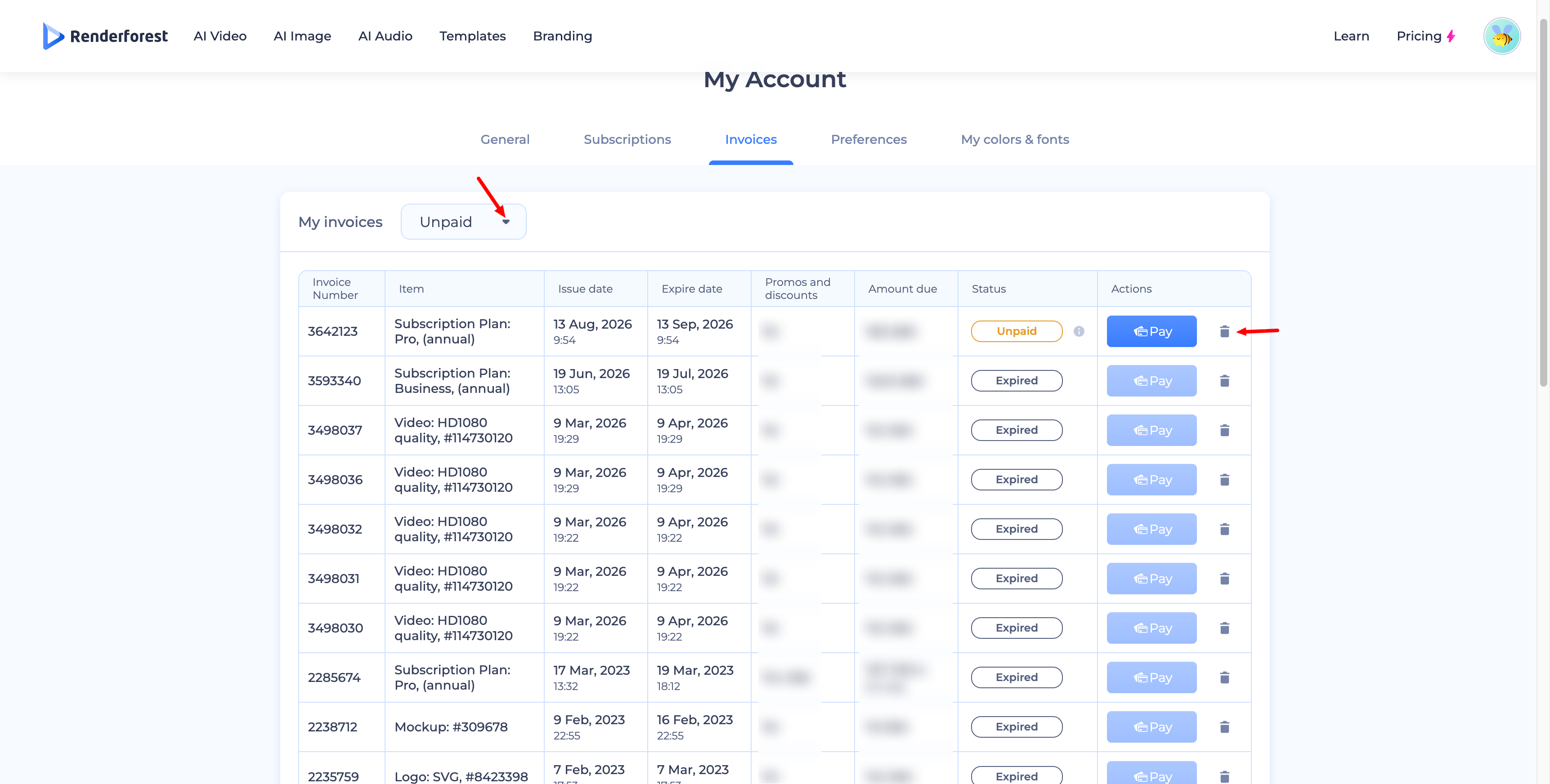
Renderforest makes managing invoices easy. All of your invoices can be found under the My Account page, in the Invoices section — under My Invoices, use the dropdown to filter by status (Paid, Unpaid, Expired, etc.). Each invoice row shows its number, item, issue date, expiration date, promos and discounts, amount due, status, and available actions.
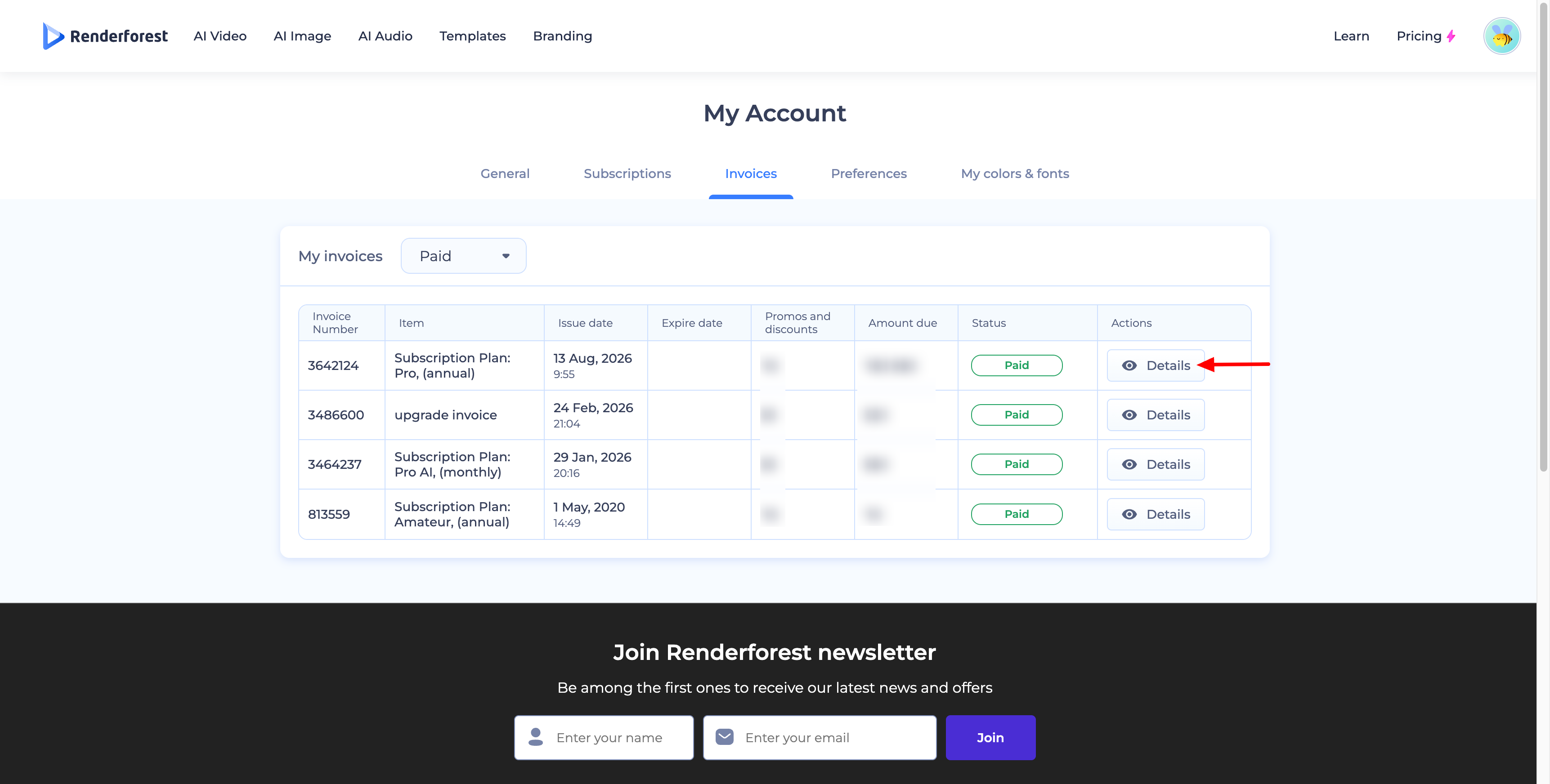
To view or download a paid invoice, click Details in the Actions column.
It's worth noting that every time you check the price of a plan or product, the system creates an unpaid invoice. No charges are made until you click Pay — these unpaid invoices are simply a record of your price check. If you'd like to remove one, filter by Unpaid, then click the trash icon next to the invoice you want to delete.
To update your billing address and VAT number on an invoice:
- Go to the Invoices section under My Account.
- Select the invoice and click Details under the Actions column.
- Open the invoice and click Add Address & VAT Number.
To learn more about the VAT fee, see the related article on VAT charges.
Payment Methods
Renderforest accepts the following payment methods:
- Credit and Debit Cards — Visa, MasterCard, Amex, Discover Card, JCB, Diners Club, and standard debit cards. You'll choose your preferred method before processing payment.
- PayPal — available for payments in euros and US dollars.
- Google Pay / Apple Pay — if you're using the Renderforest Android or iOS app, you can pay through one of these methods, respectively.
- YooKassa — if you're paying from Russia, you'll be redirected to pay through the YooKassa provider.
Supported Payment Methods:
Bank Cards: Cards issued by Russian banks (MIR, Visa, Mastercard, Maestro, JCB)
Bank Apps & One-Click Payments: SberPay, T-Pay, Alfa-Click, and FPS (Fast Payments System)
E-Wallets: ЮMoney
Was this article helpful?
That’s Great!
Thank you for your feedback
Sorry! We couldn't be helpful
Thank you for your feedback
Feedback sent
We appreciate your effort and will try to fix the article