TABLE OF CONTENTS
- Starting with a template
- Starting from scratch
- Generating a Website with AI
Renderforest offers an all-in-one solution for creating a website without any coding knowledge or experience.
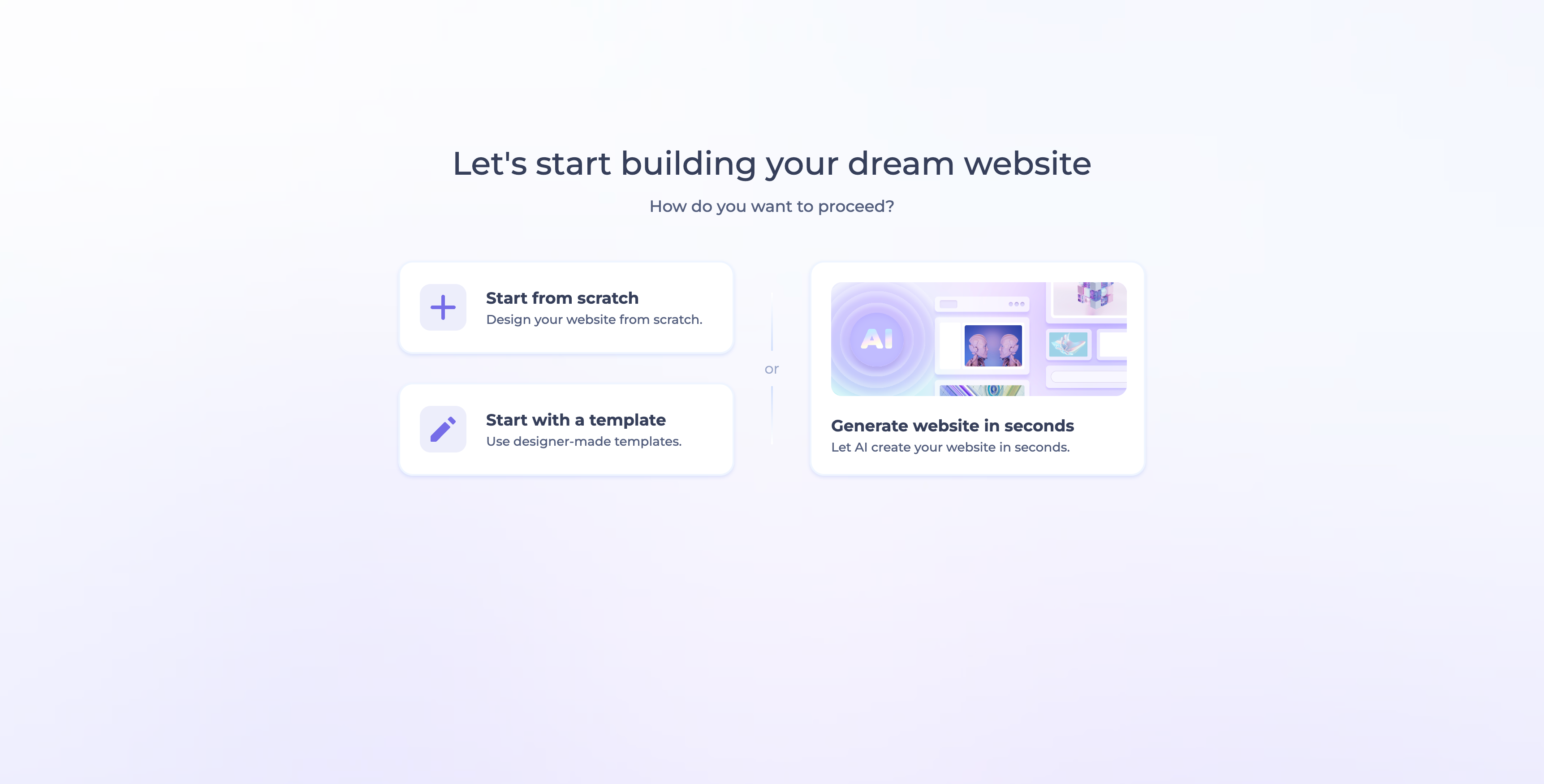
When you open the Website Builder tool, you're asked, "Let's start building your dream website," with three ways to proceed:
- Start with a Template: use designer-made templates.
- Start from Scratch: design your website component by component.
- Generate Website in Seconds: let AI create your website for you.
Starting with a Template
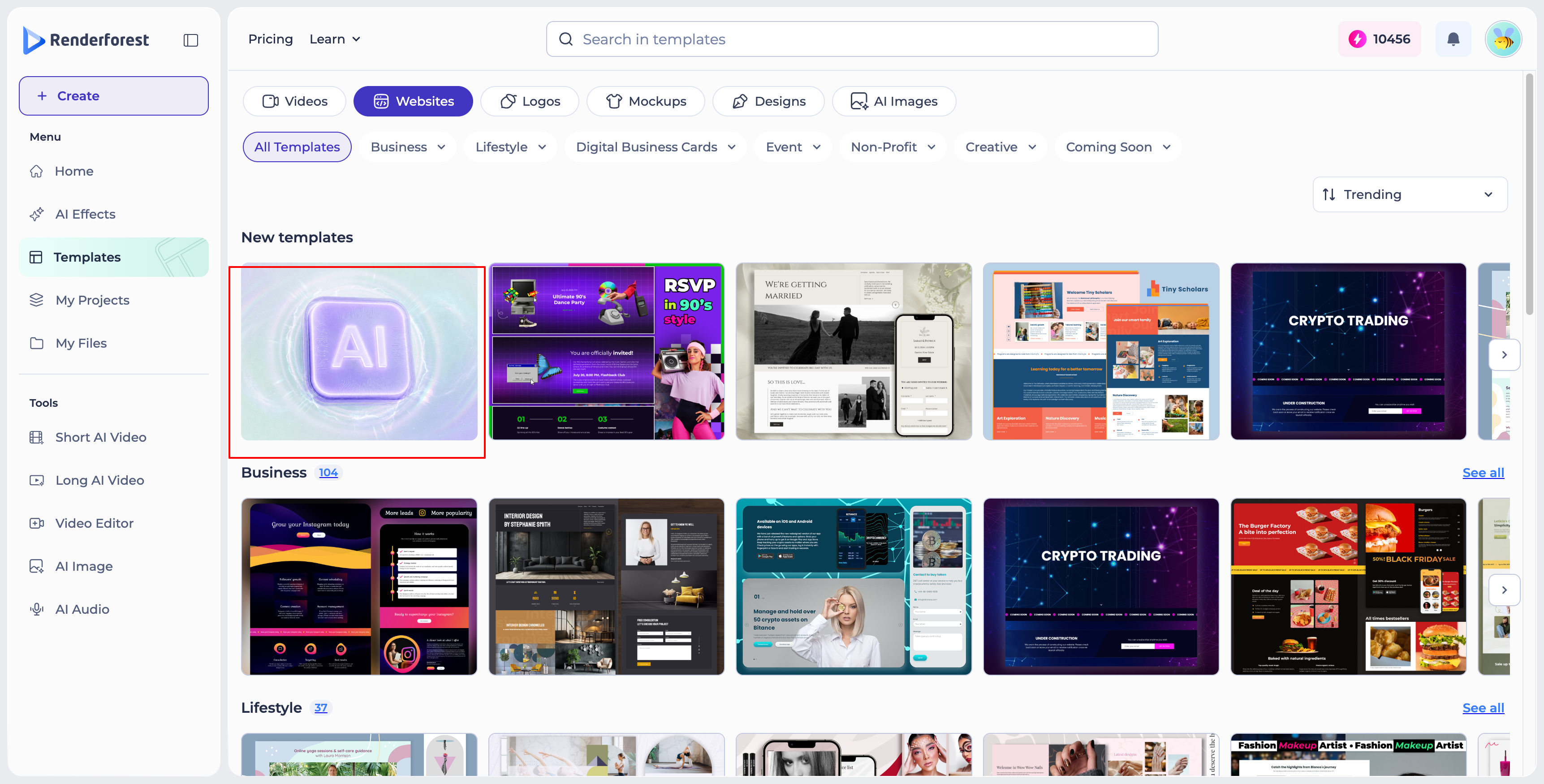
Choosing "Start with a Template" takes you to the template gallery, where you'll find categories for creating various types of websites — including Business, Lifestyle, Digital Business Cards, Event, Non-Profit, Creative, and Coming Soon. Regardless of your subject, there are templates available for all kinds of industries.
To get started:
- Select the category that matches your purpose, then choose a template from the list.
- Click the preview button to see how the template looks on different devices (desktop, tablet, and mobile) and to check its available features and options.

- Use the "Back" button to return to the templates list.

- Click "Edit" to start customizing right away.

After selecting a template, you can begin customizing it to suit your requirements — modifying the text, images, colors, and layout to create a distinctive representation of your brand.

Here are some articles that may be helpful for your further exploration:
Building Your Dream Website: A Step-by-Step Guide to Using a Website Builder Tool
The Left Sidebar: Navigating the Admin Panel on the Editor
Starting from Scratch
You can also build your website from scratch by adding each component one by one — such as the header, body components (text, features, images, videos), footer, and more.

Generating a Website with AI
Choosing "Generate Website in Seconds" walks you through a short, guided setup:
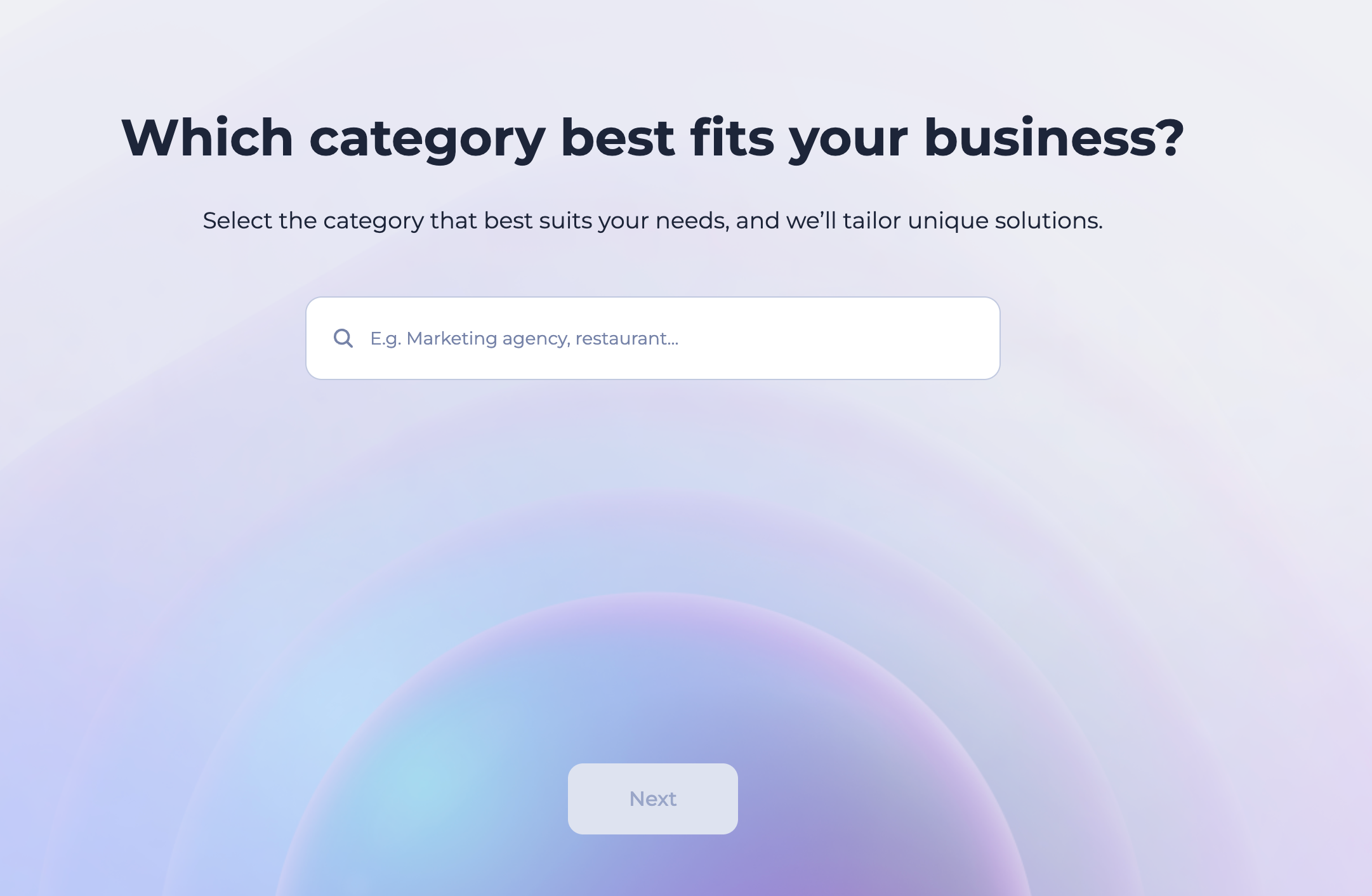
- Industry: tell us what your website is for.
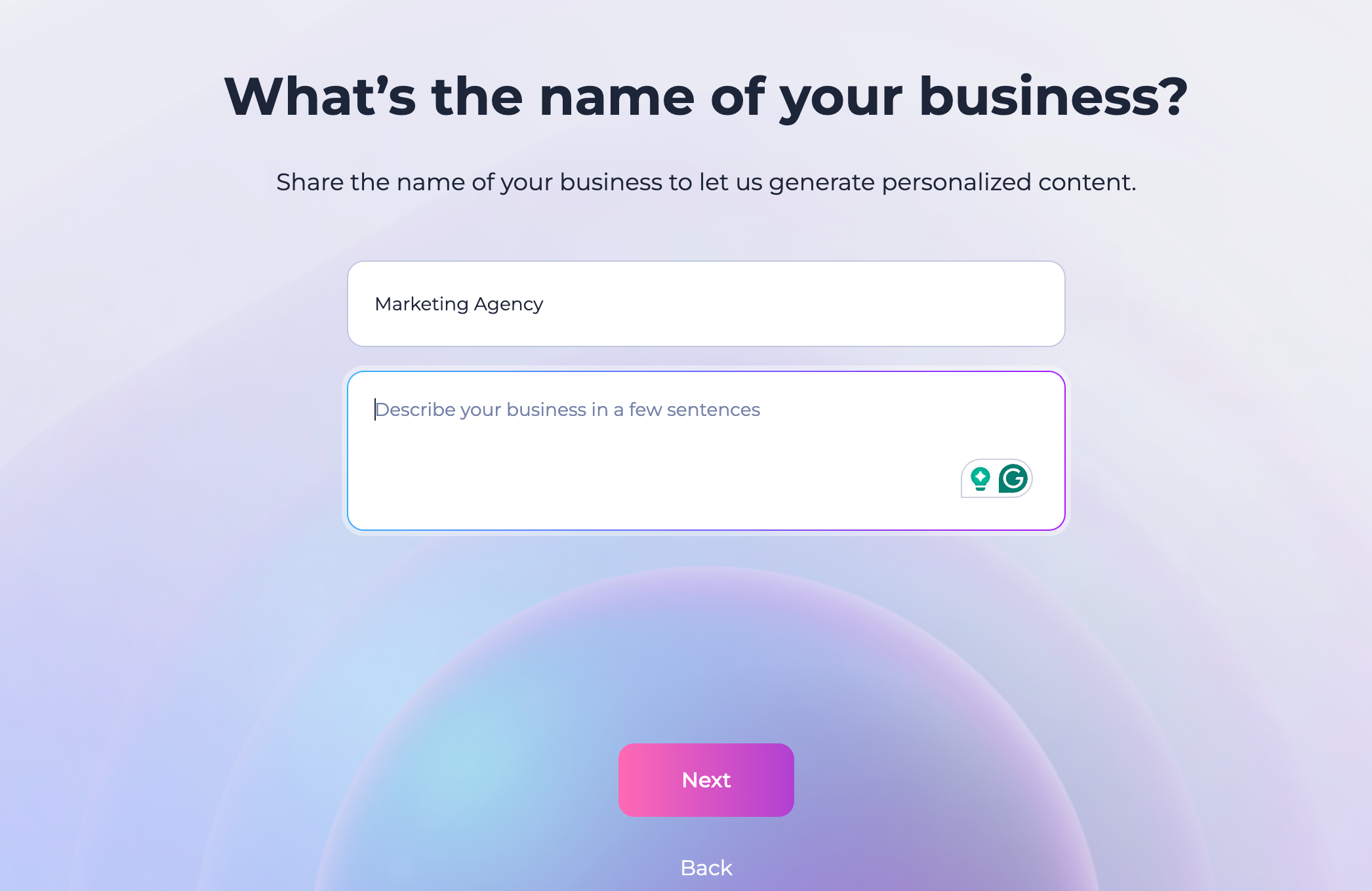
- Business Name: enter your business or project name.
- Style: pick the look that best fits your brand — Minimalistic, Elegant, Creative, or Professional.
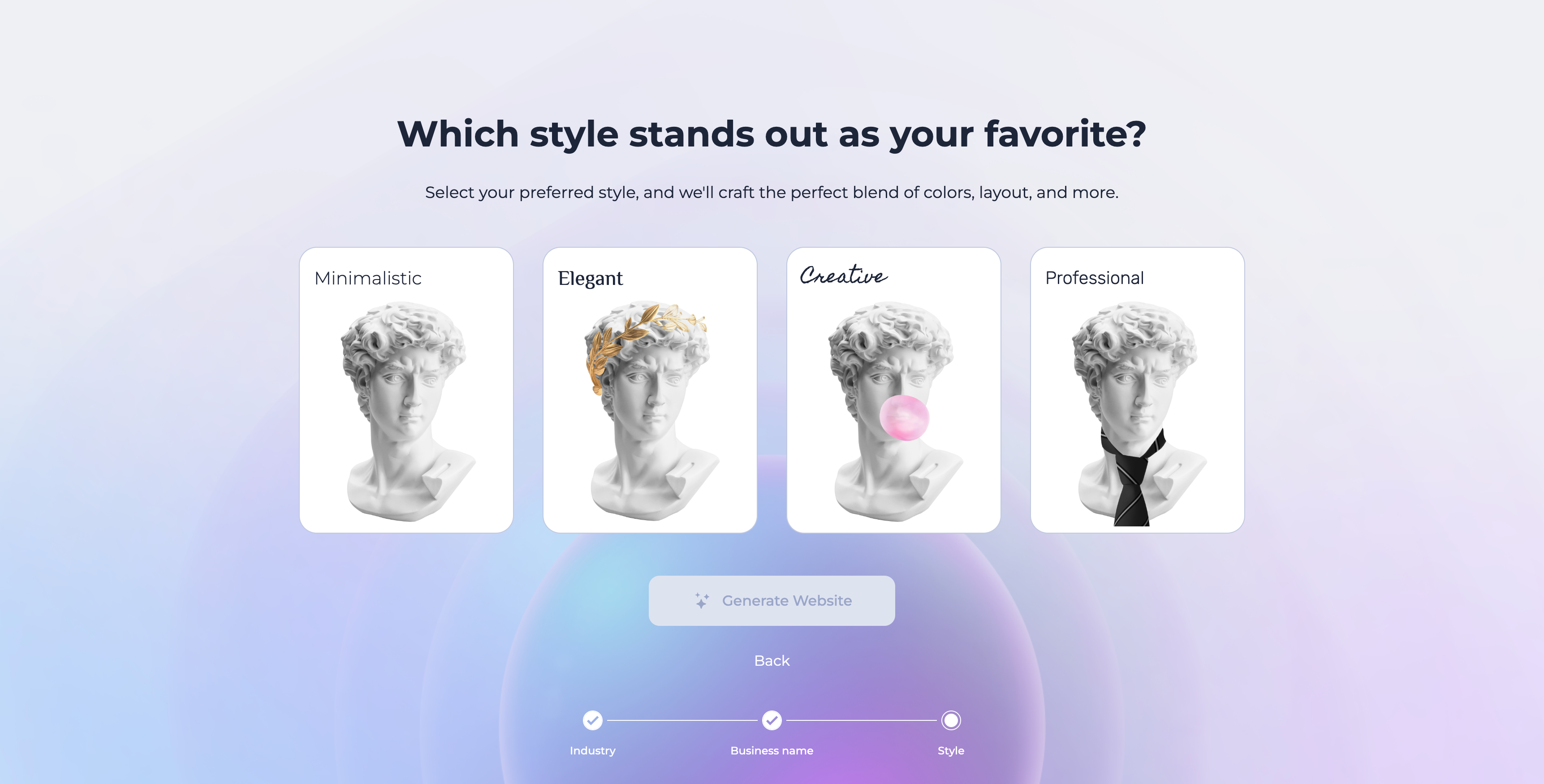
Once you've made your selections, click "Generate Website" and AI will craft a website with a matching blend of colors, layout, and content for you to customize further.
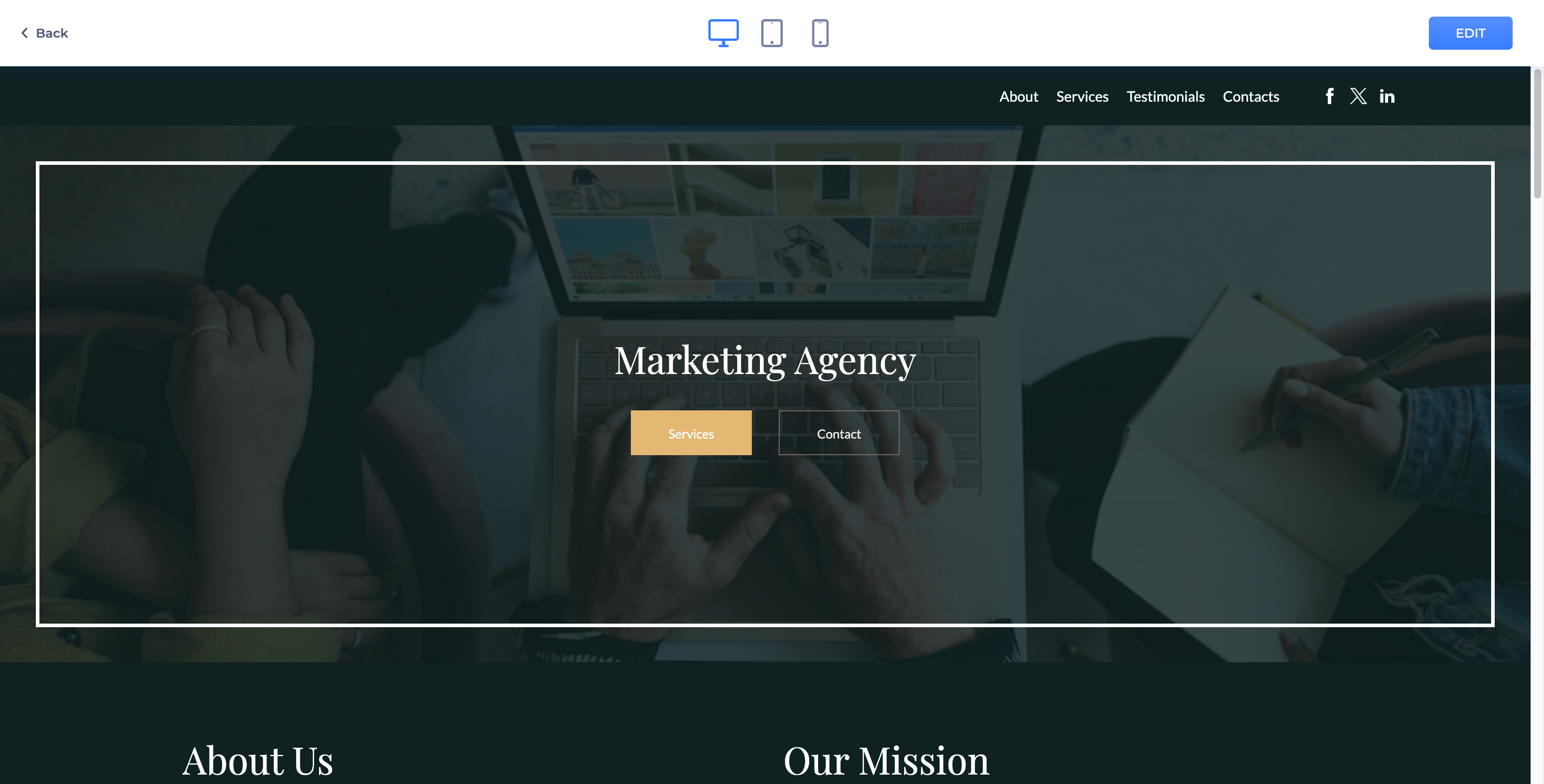
In general, Renderforest's Website Builder tool simplifies the process of creating a professional and visually appealing website. Whether you start with a pre-designed template, generate one with AI, or build from the ground up, the options are there for you. Begin exploring the possibilities today and bring your website ideas to life.
Was this article helpful?
That’s Great!
Thank you for your feedback
Sorry! We couldn't be helpful
Thank you for your feedback
Feedback sent
We appreciate your effort and will try to fix the article